1) Configure Your Products (If Available):
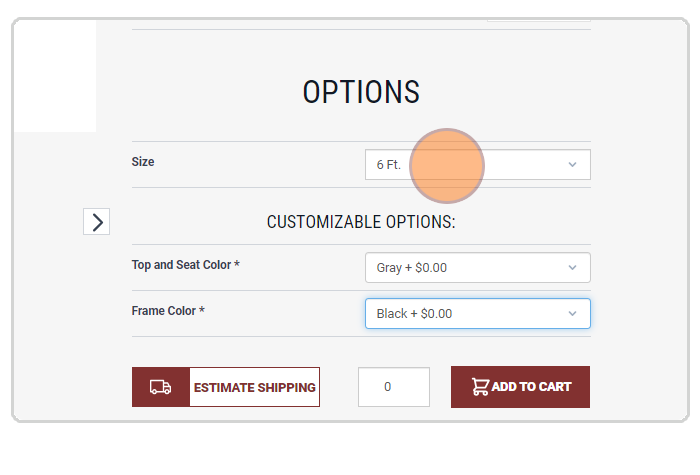
If the product you're interested in offers configuration options (e.g., size, color, pattern, mounting option, etc.), make sure to customize it according to your needs.
2) Add Items to Your Cart:
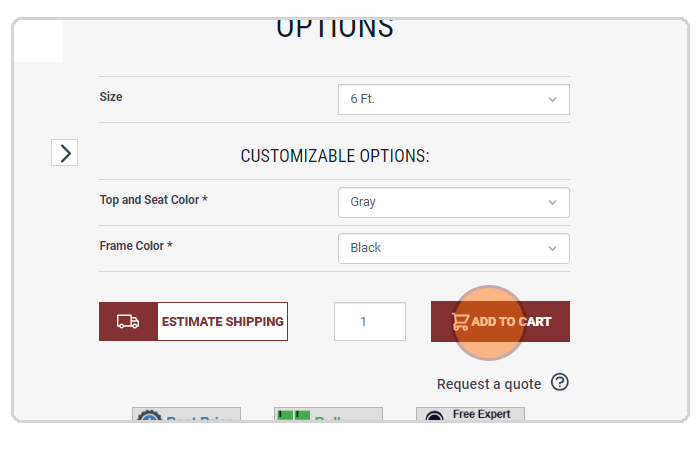
After configuring each product, click "Add to Cart" to include it in your quote request. Repeat this for all products you'd like to include.
3) Request a Quote:
Once you’ve added all desired items to your cart, go to the cart by clicking the cart icon. In the cart page, click the "Request A Quote" button.
4) Complete the Request a Quote Form:
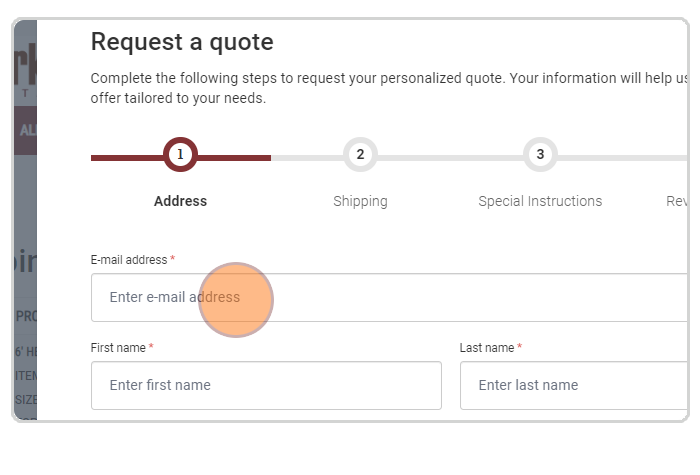
Fill out the necessary details in the form, such as your contact information and any additional comments or special requests. Once everything is complete, click "Submit" to send your quote request.